CarlinKit 5.0 2Air Wireless CarPlay Android Auto Wireless Dongle For Car Radio With Wired CarPlay/Android Auto WIFI USB Port


CarlinKit 5.0 2Air Wireless CarPlay Android Auto Wireless Dongle For Car Radio With Wired CarPlay/Android Auto WIFI USB Port
SPECIFICATIONS
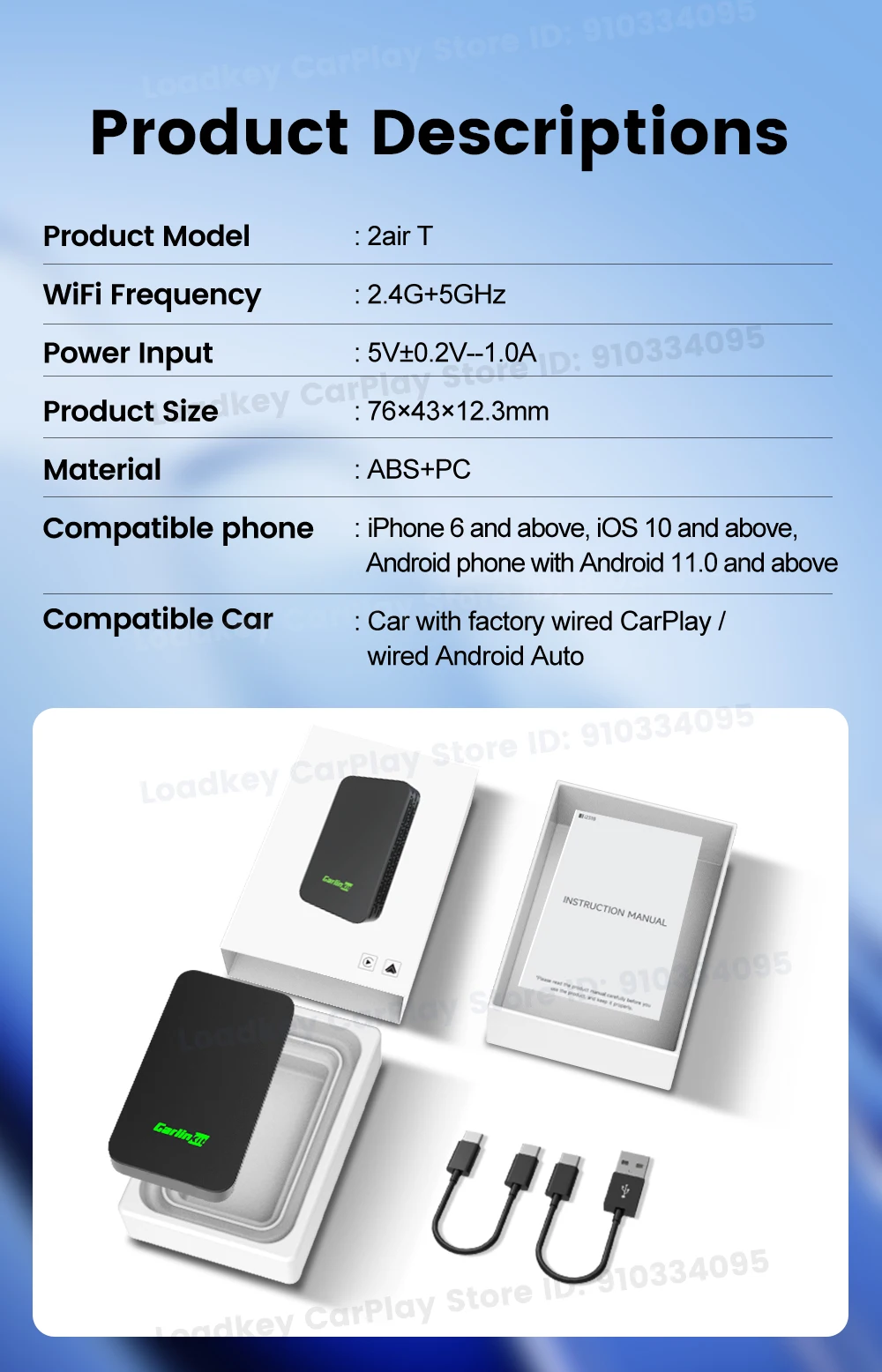
Bluetooth: BLE 5.0
Brand: CarlinKit
Brand Name: Carlinkit
Color: Blue carbon fiber
For Android Phone: The phone supports 5GHZ wifi, Android 11 or above, some Android 10 Samsung and Google phones
For Car Models: AUDI/Volvo/VW/BENZ/Mazda/Porsche/Peugeot...
For iPhone: IOS10 and above
High-concerned chemical: none
Model: CPC200-2Air-T
Notice: The 2air-T does not have a USB port.
Origin: Mainland China
Power Consumption: 0.25W
Power Input: 5V 1-2.1A
Power Output: DC5V 1-2.1A
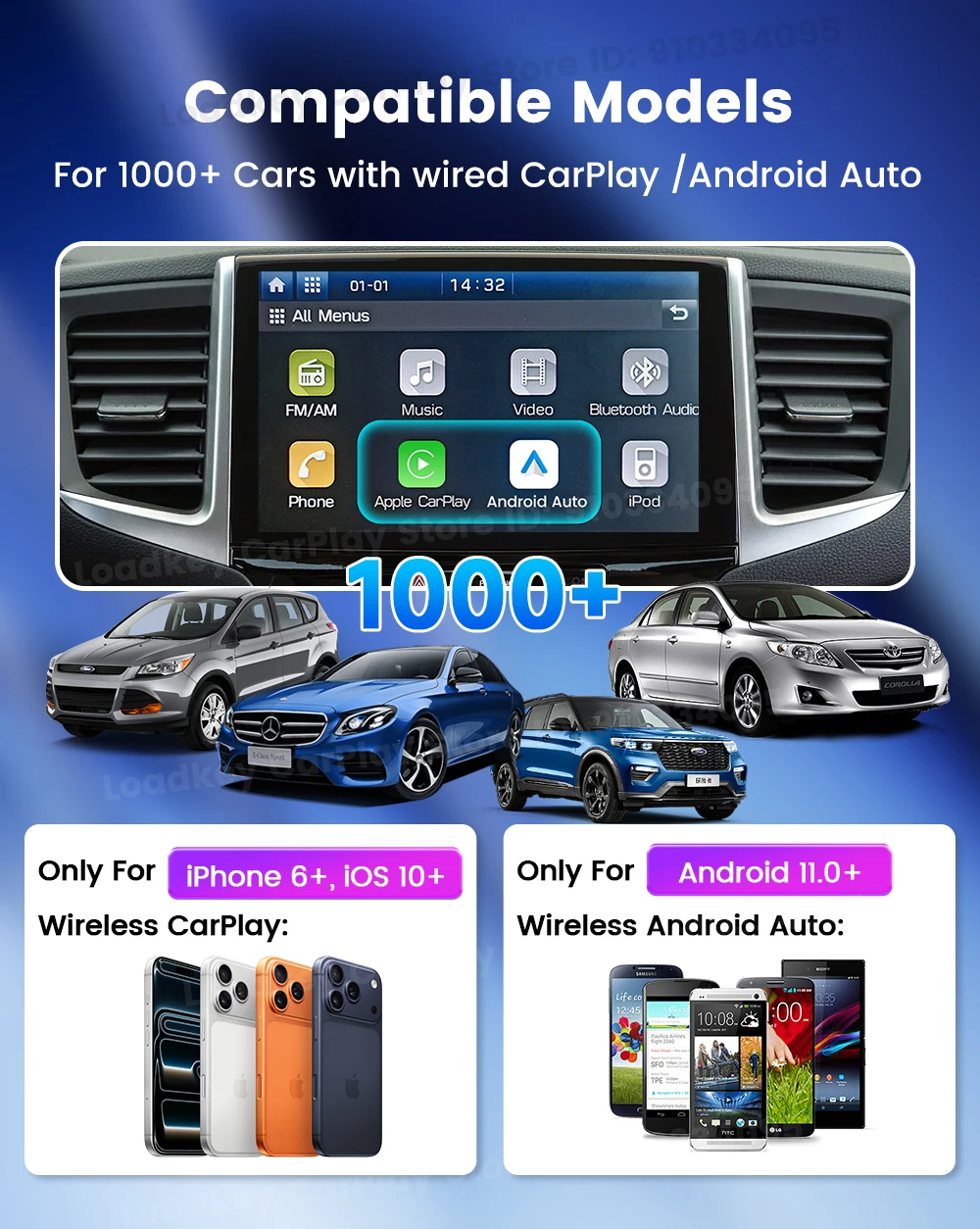
Support for: Car models with OEM wired CarPlay or OEM wired Android Auto
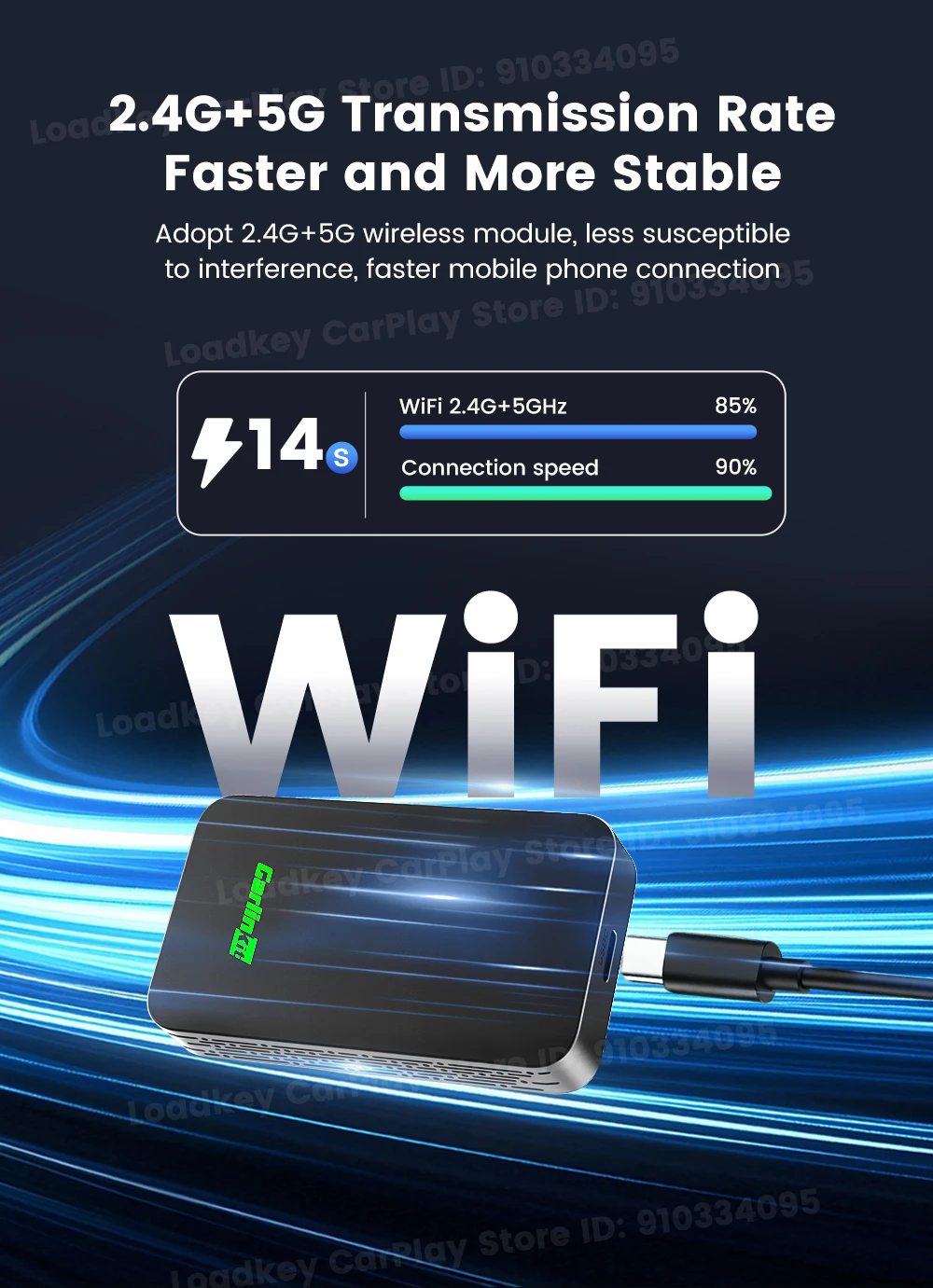
Wireless: 2.4GHZ~5GHZ wifi
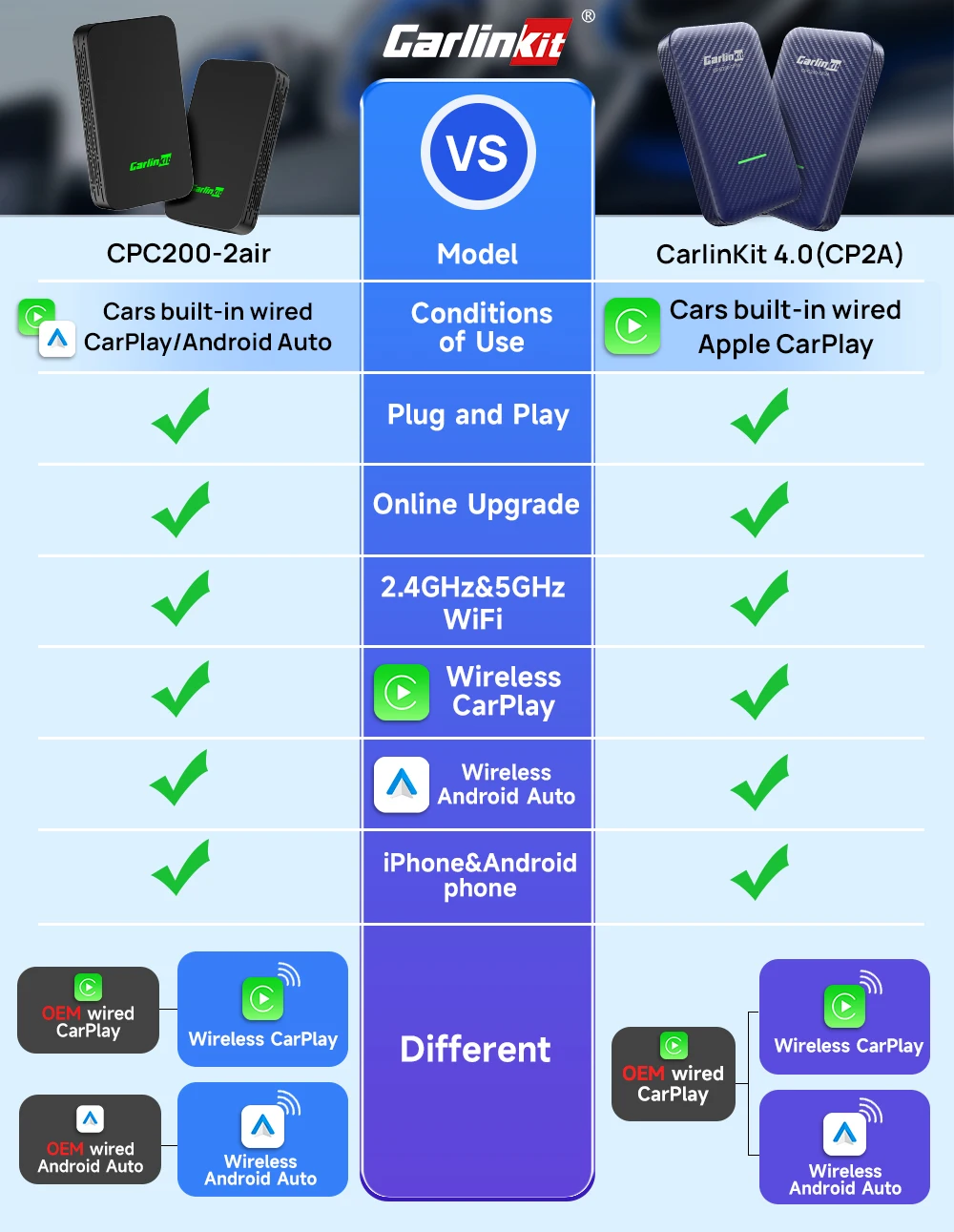
▶CarlinKit 2Air New Wireless 2 in 1 Adapter Upgrade
▶ 2 channels:
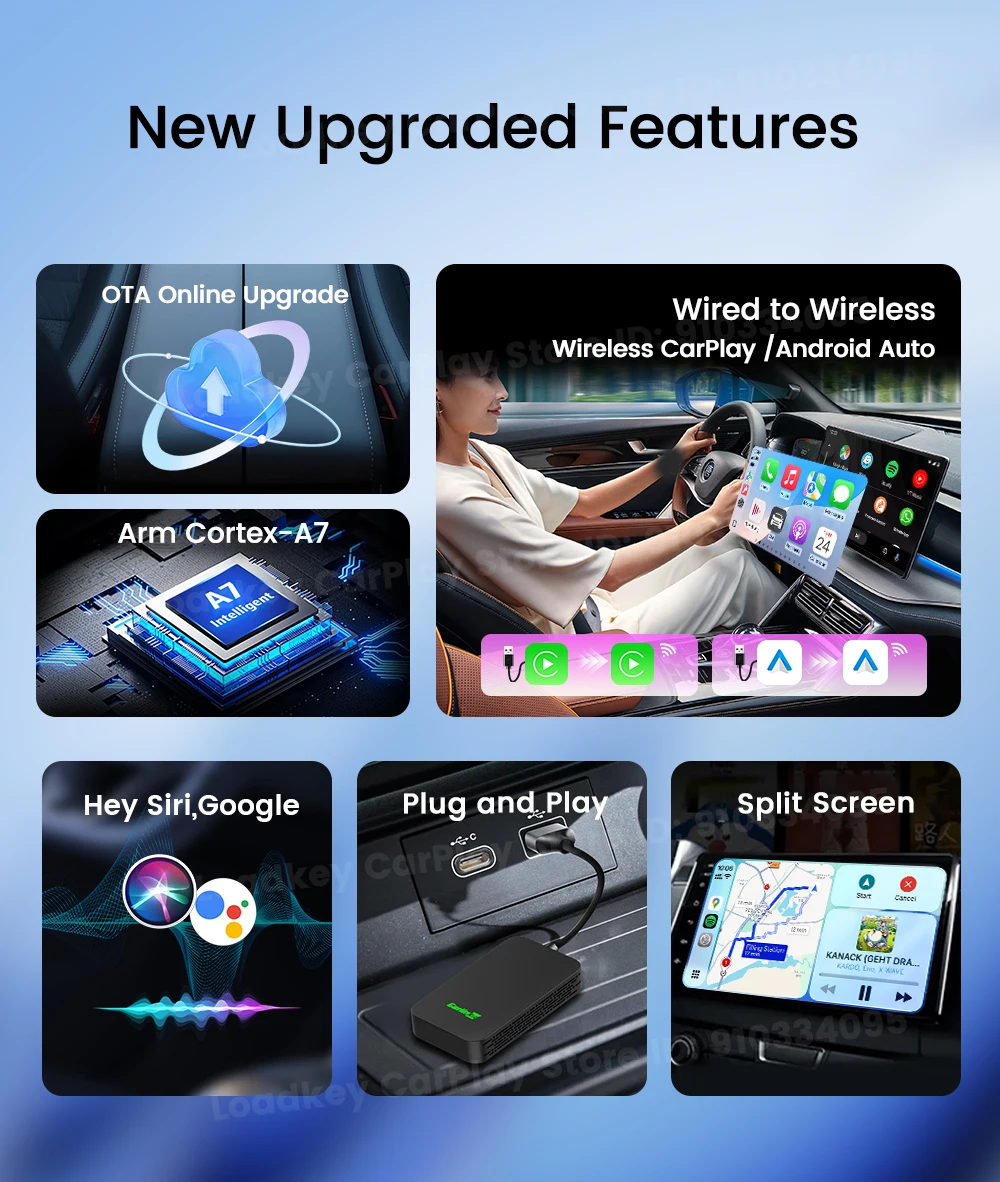
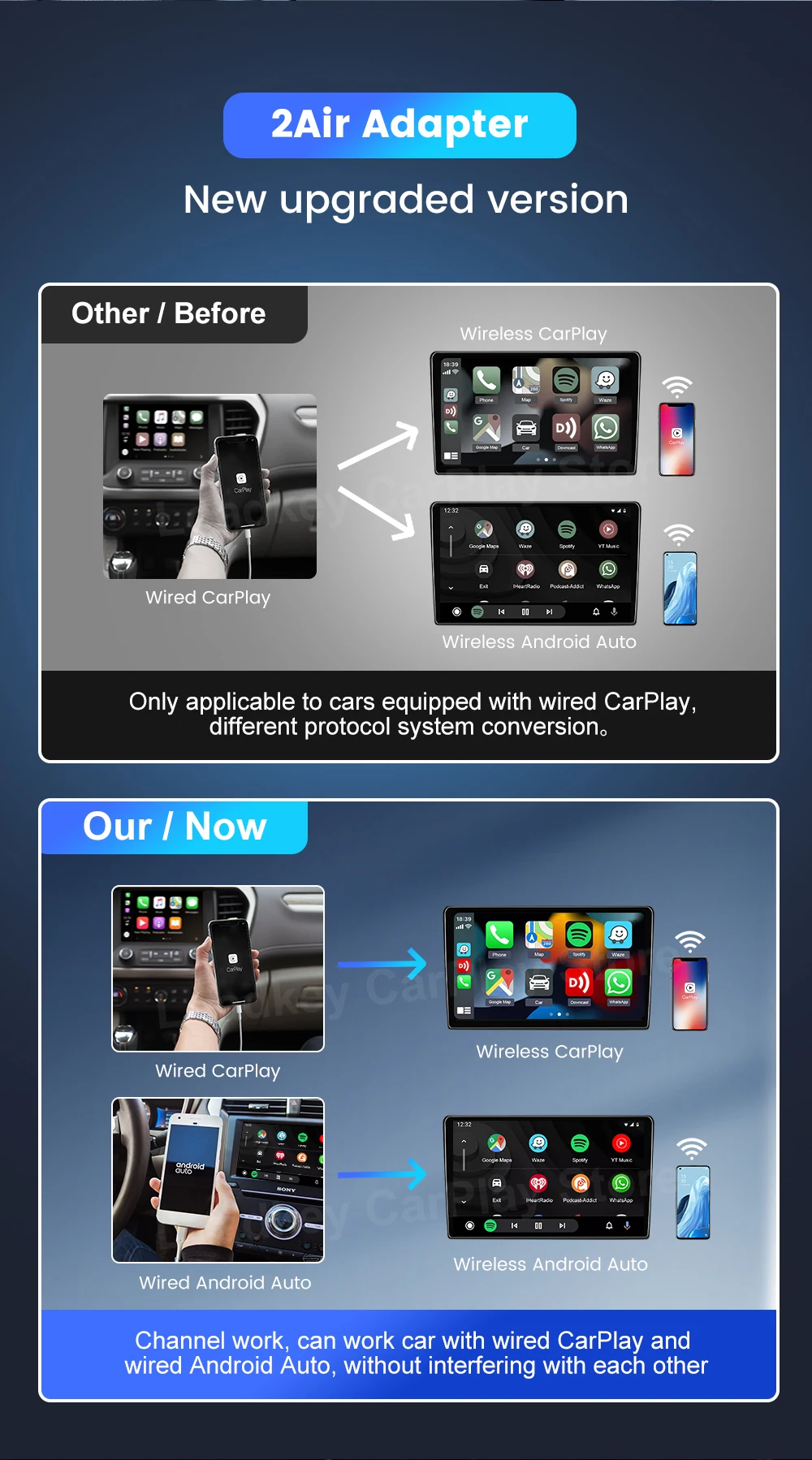
The CarPlay and Android auto separate 2 channels the same protocol conversion of the system does not affect the work of each other
▶ Wireless 2 in 1:
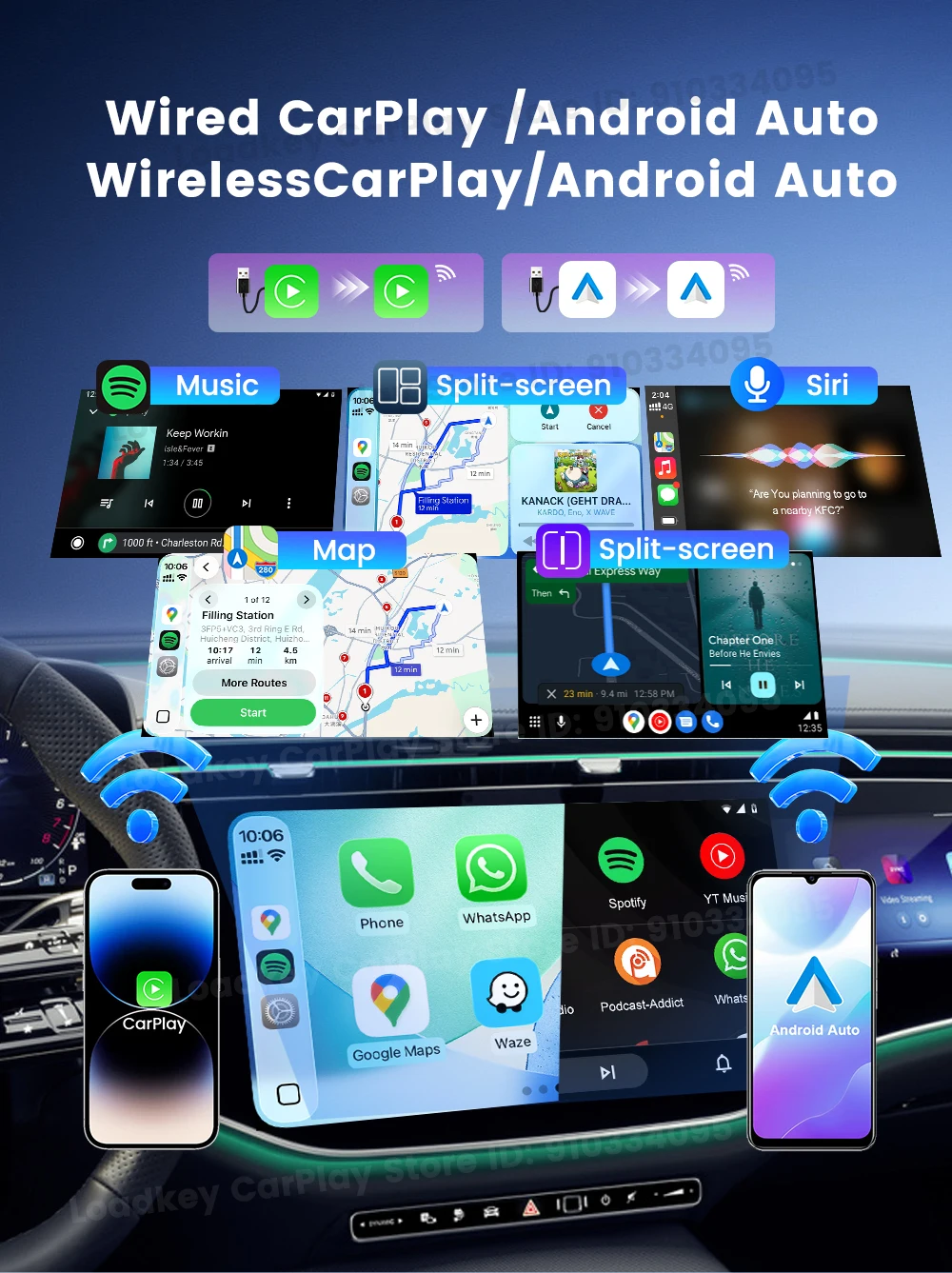
Wireless CarPlay and Wireless Android auto 2 in 1 adapter, Suitable for families with both Android phones and for iPhones or business people with multiple phones.
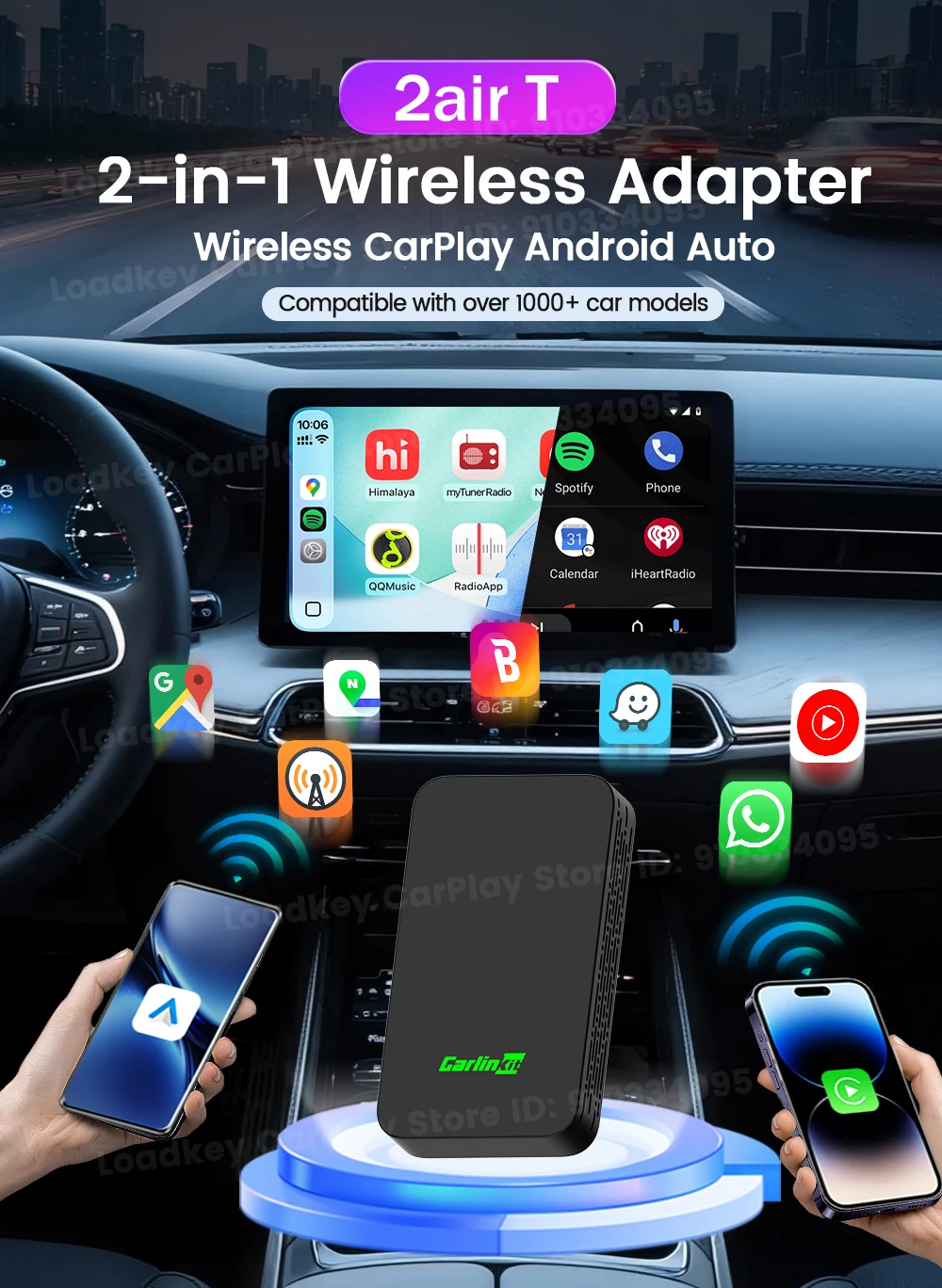
For OEM Wired CarPlay or Wired Android Aut Cars
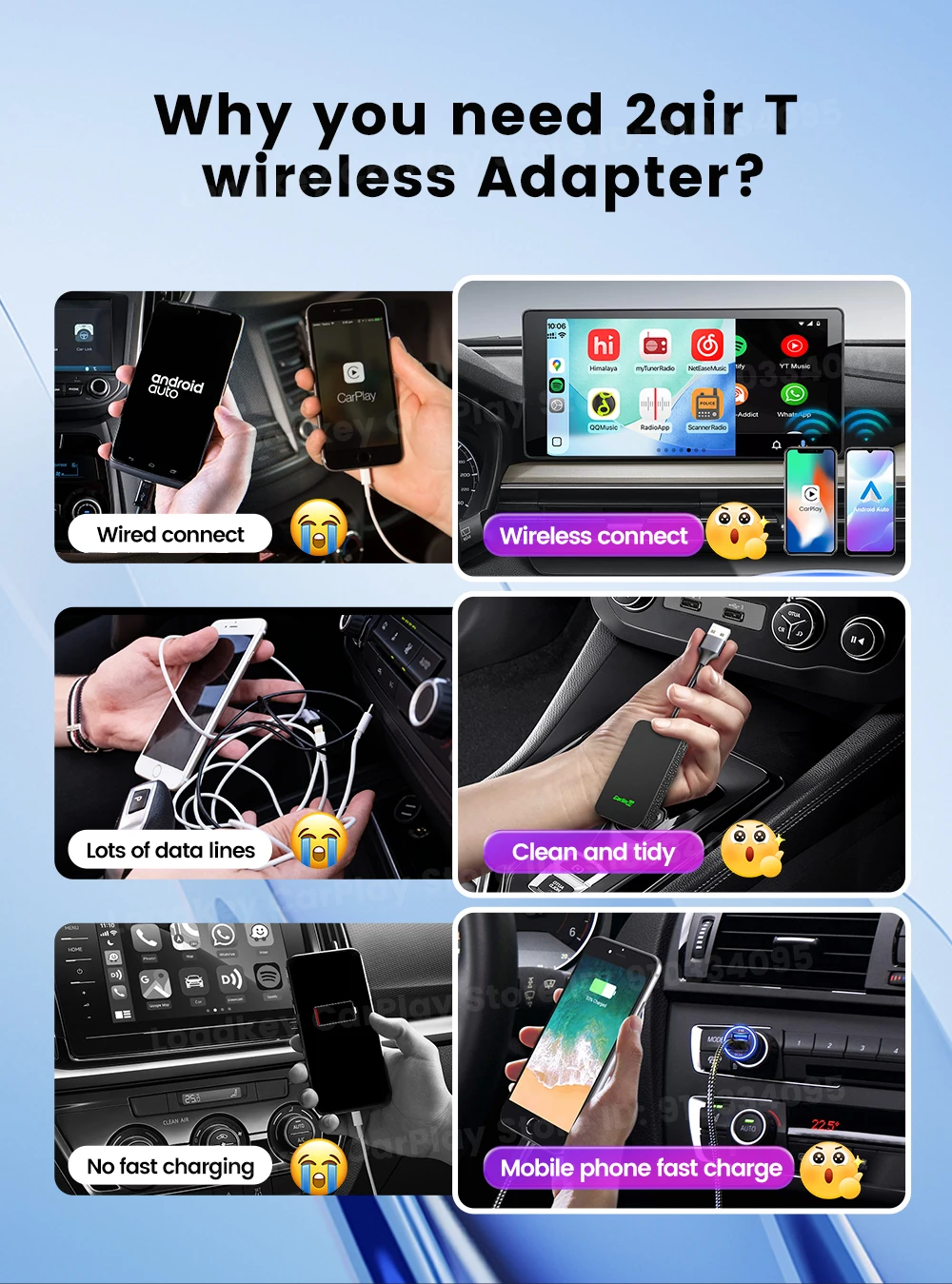
As long as your car have Wired CraPlay or Wired AndroidAuto, you can use CarPlay or Android auto wirelessly
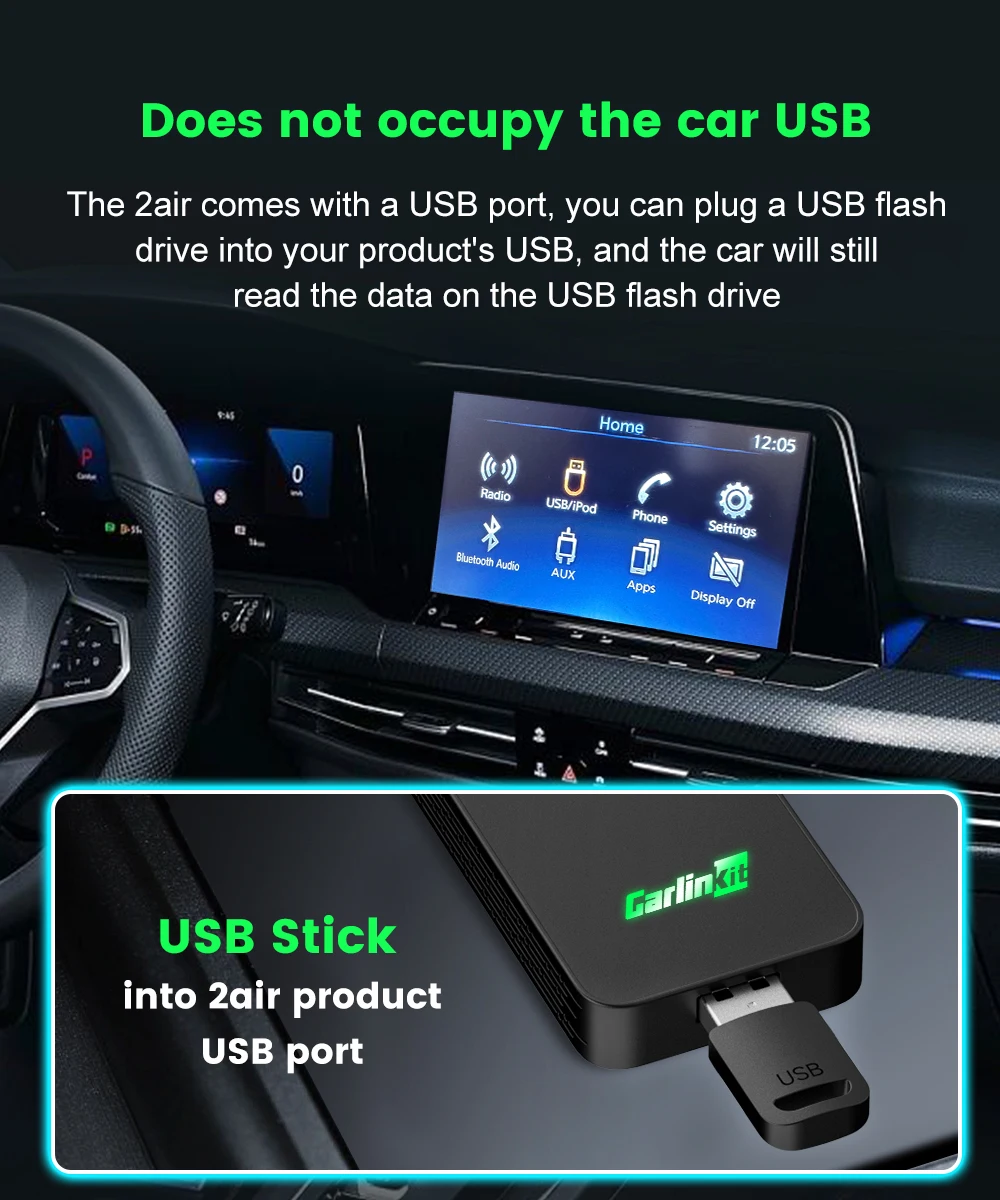
Does not occupy the car USB
2air is equipped with a USB port. You can insert a USB flash drive into the USB port of the product.
Note: 2air function will not work after inserting the USB flash drive.
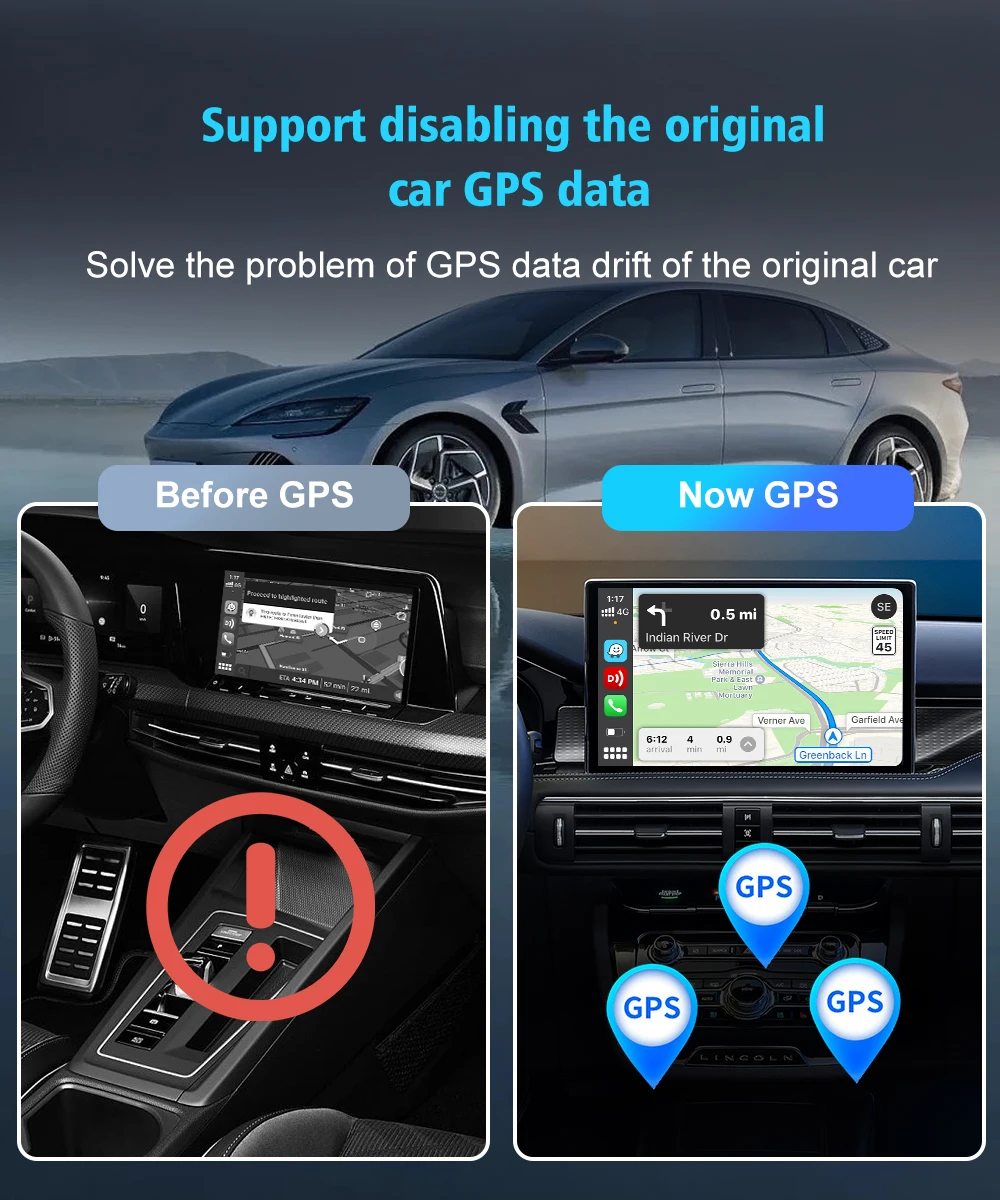
Support disabling the original car GPS data
Solve the problem of GPS data drift of the original car
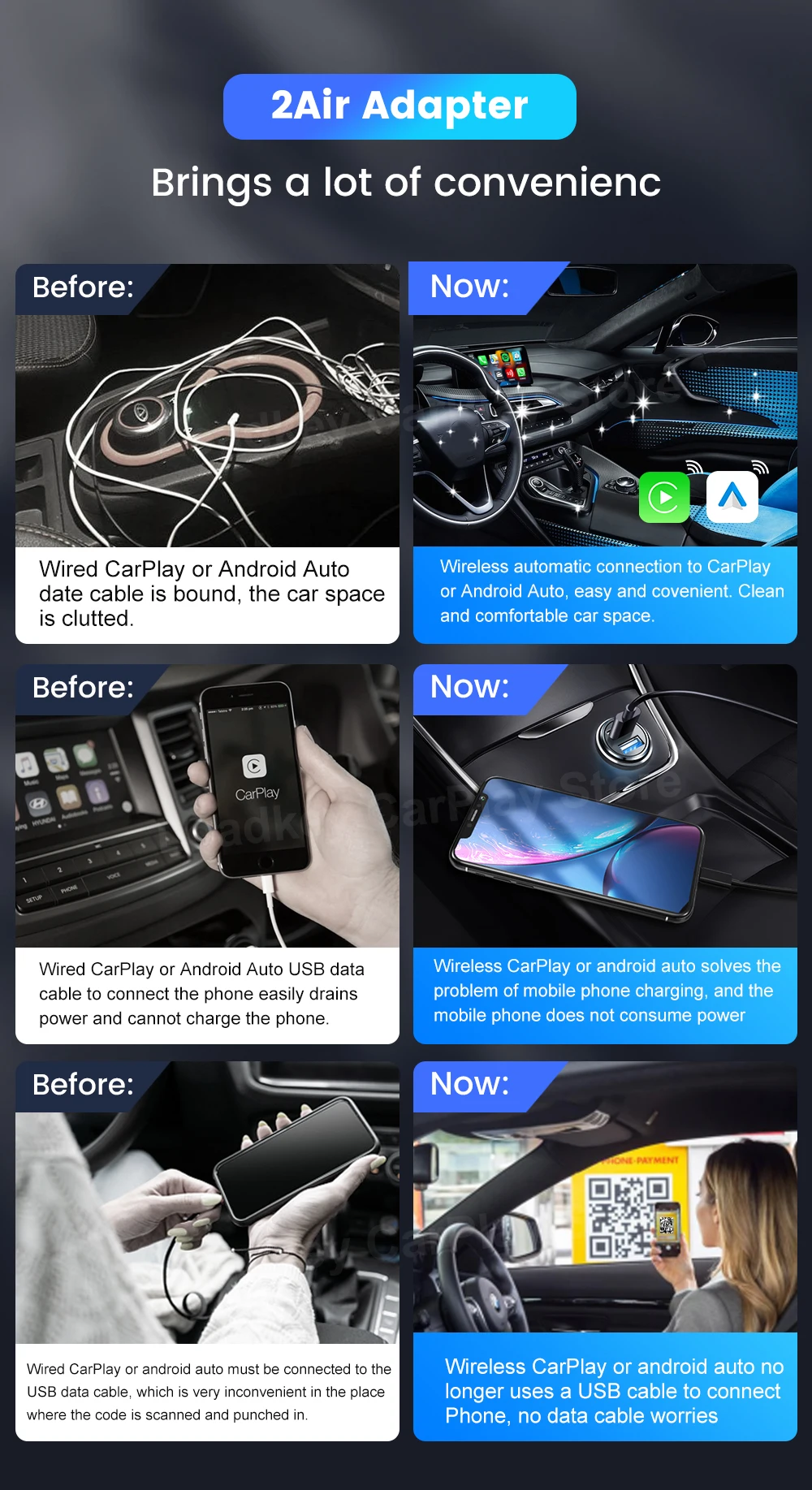
The New Upgrade
Keep your car clean, without occupying fast charging port, phone can be charged at will
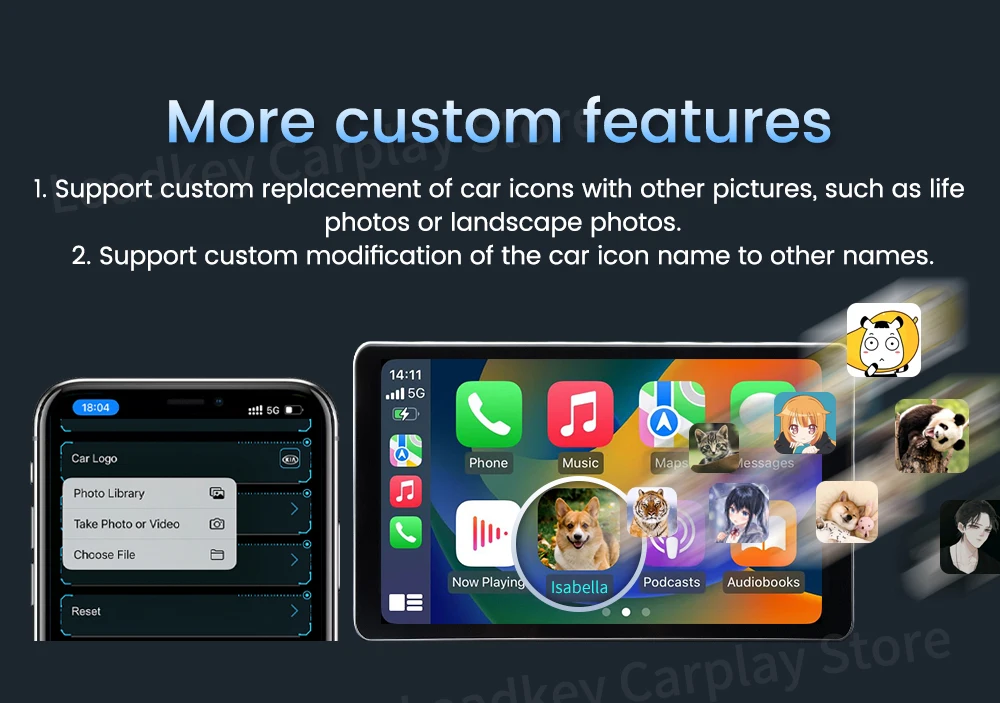
More Custom features
1.Support custom replacement of car icons with other pictures ,such as life photos orlandscape photos.
2.Support custom modification of the car icon name to other names.
2Air-T Adapter New Upgraded Version
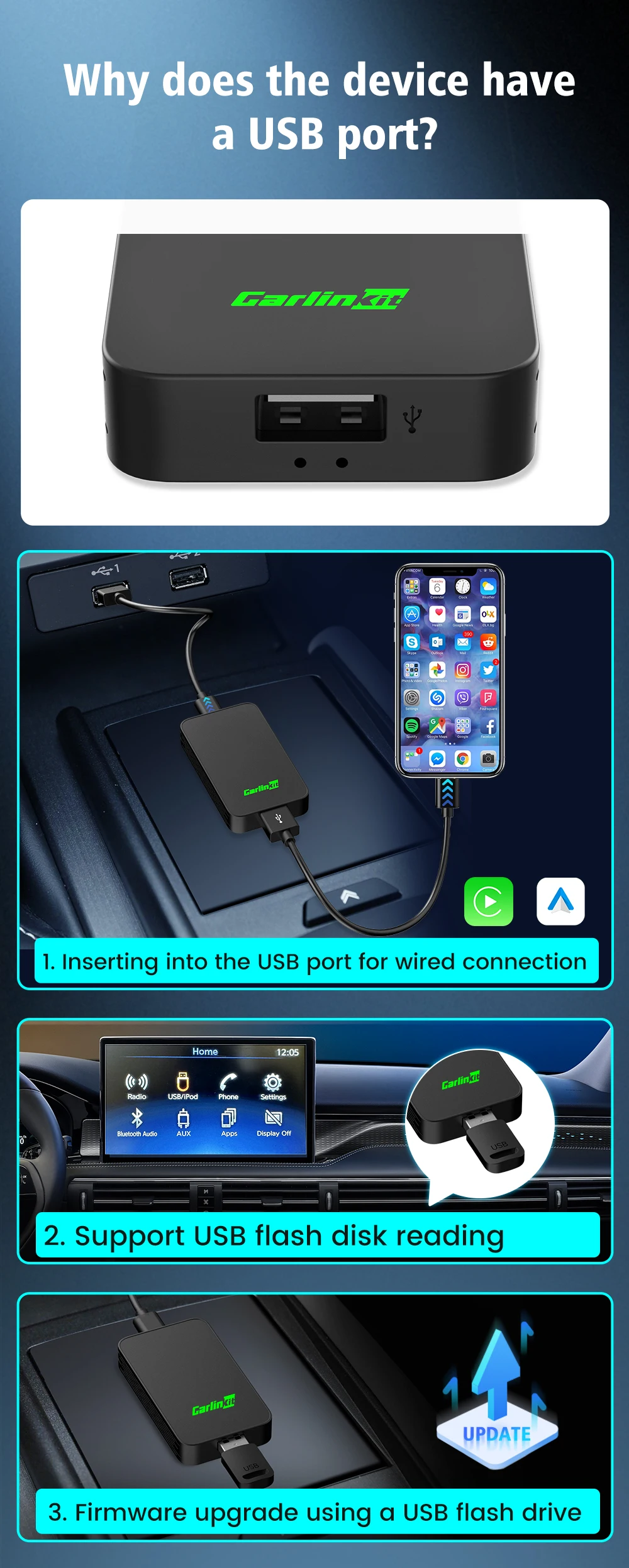
Why does the device have a USB port?
1.Inserting into the USB port for Wired Conncetion
2.Support USB flash disk reading
3.Firmvare upgrate using aUSB flash drive
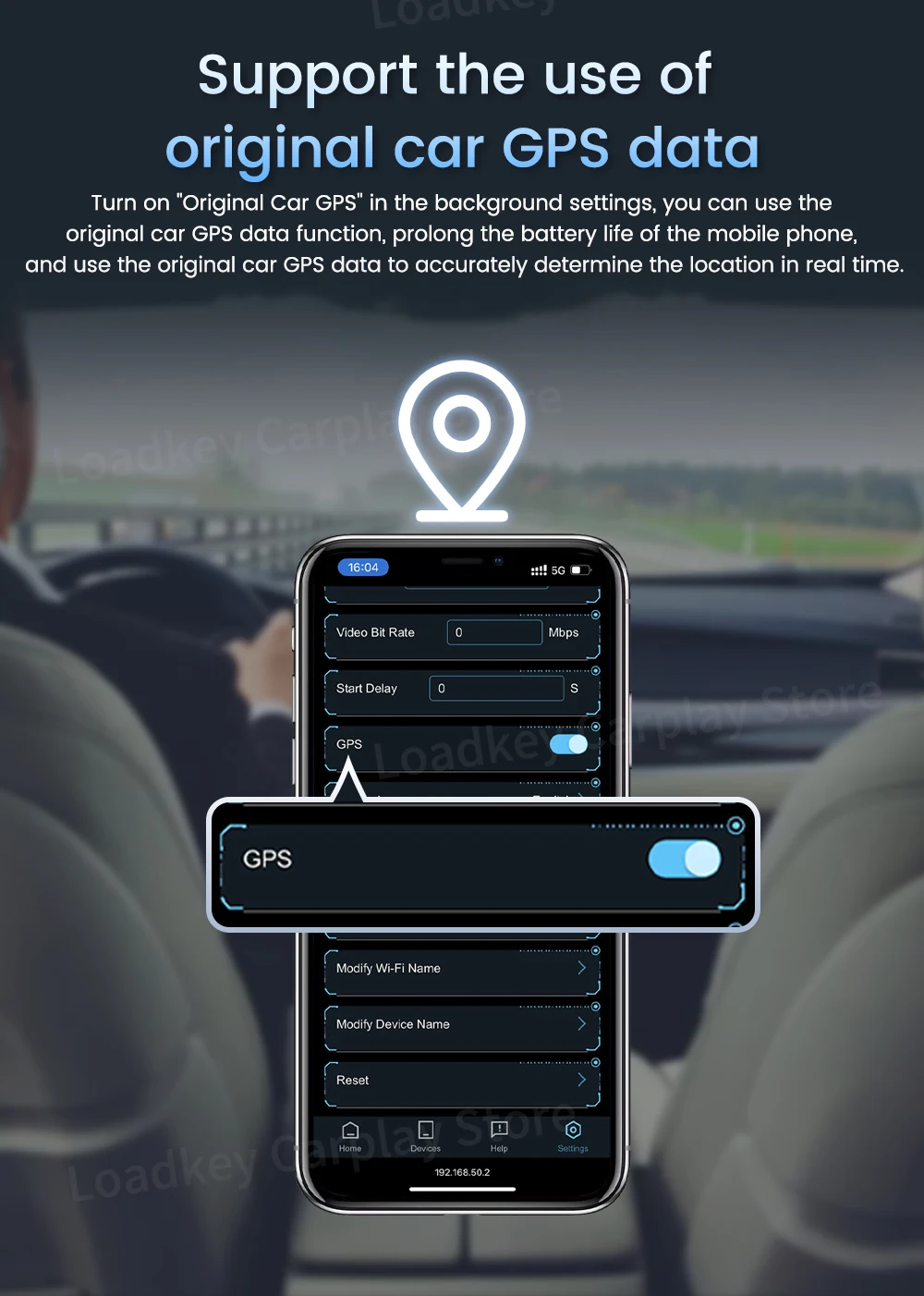
Support the use of original car GPS date
Turn on "Original Car GPS" in the background settings, you can use the original car GPS date function, prolong the battery life of the mobile phone, and use the original car GPS date to accurately datermine the location in real time.
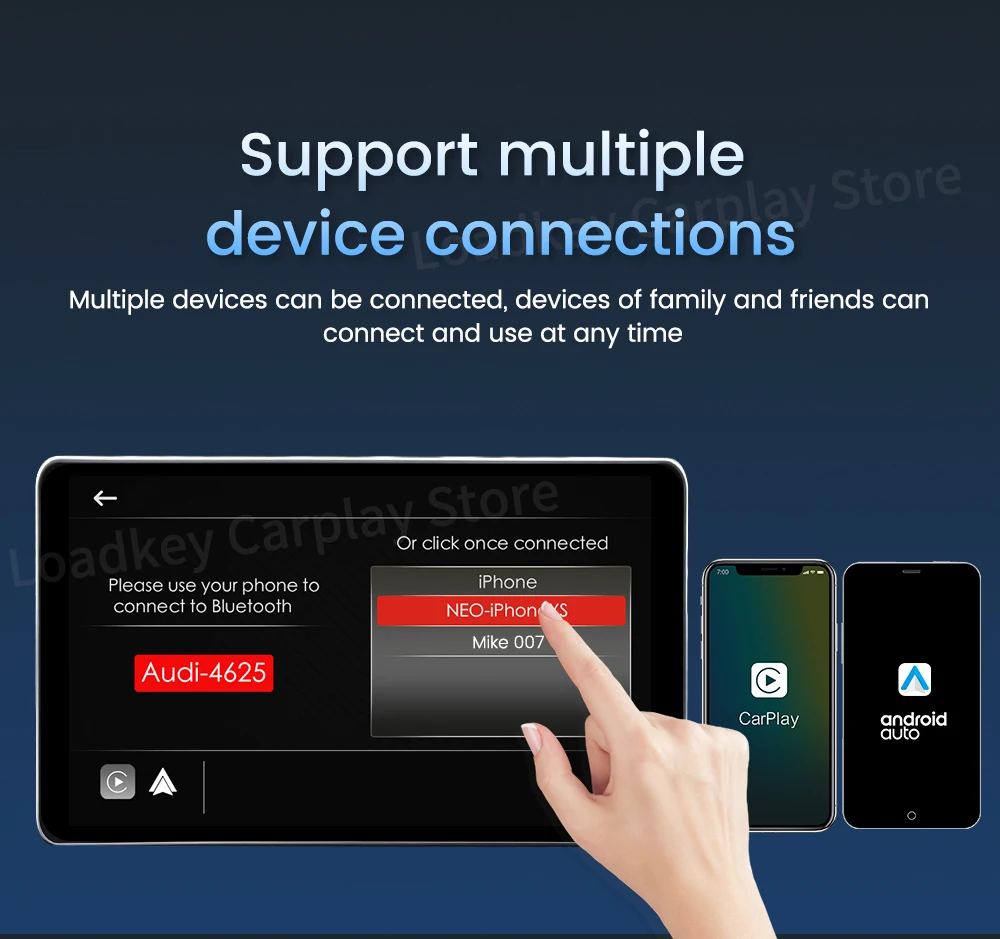
Support multiple device connections
Multiple devices can be connected, devices of family and friends can connect and use at any time
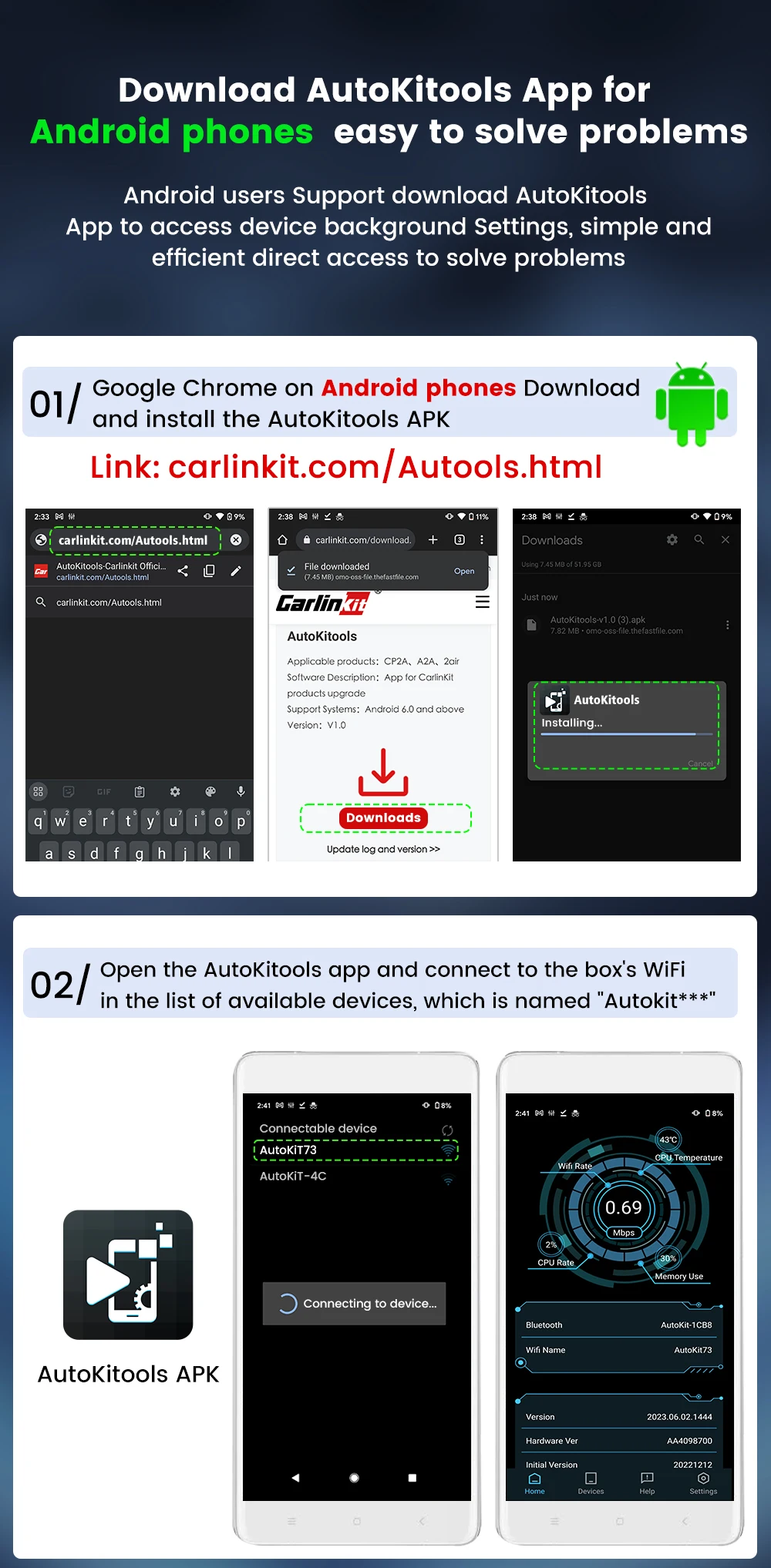
Download AutoKitools App Android Phones easy to solve problems
Android users Support download AutoKitools App to access device background Settings, simple and efficient direct access to solve problems.
① Download and install the APK
Link:carlinkit.com/Autools.html ②Open the AutoKitools app and connect to the box's WiFi in the list of available devices, which is named "autokit***"
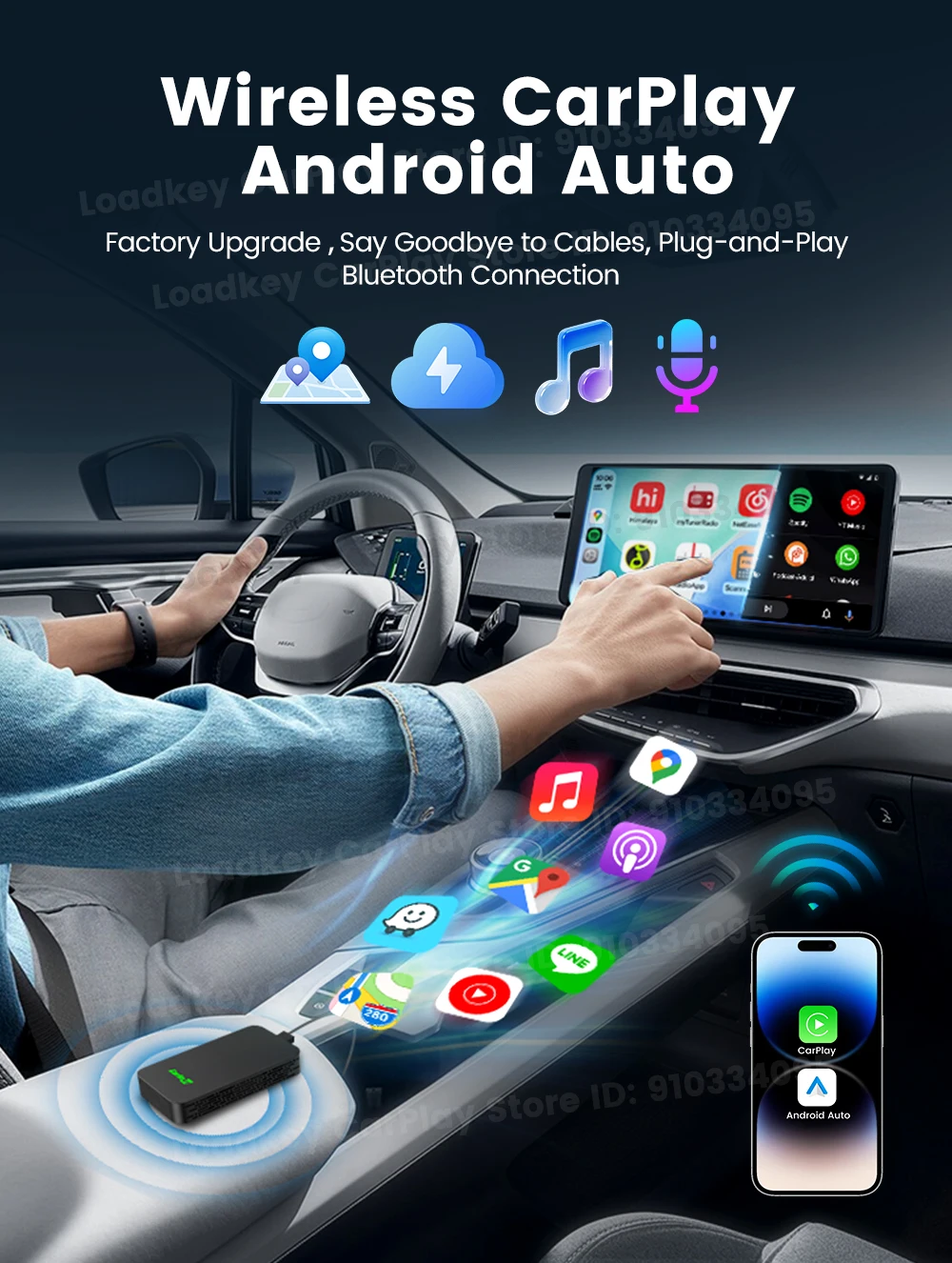
Wireless CarPlay/Android Auto
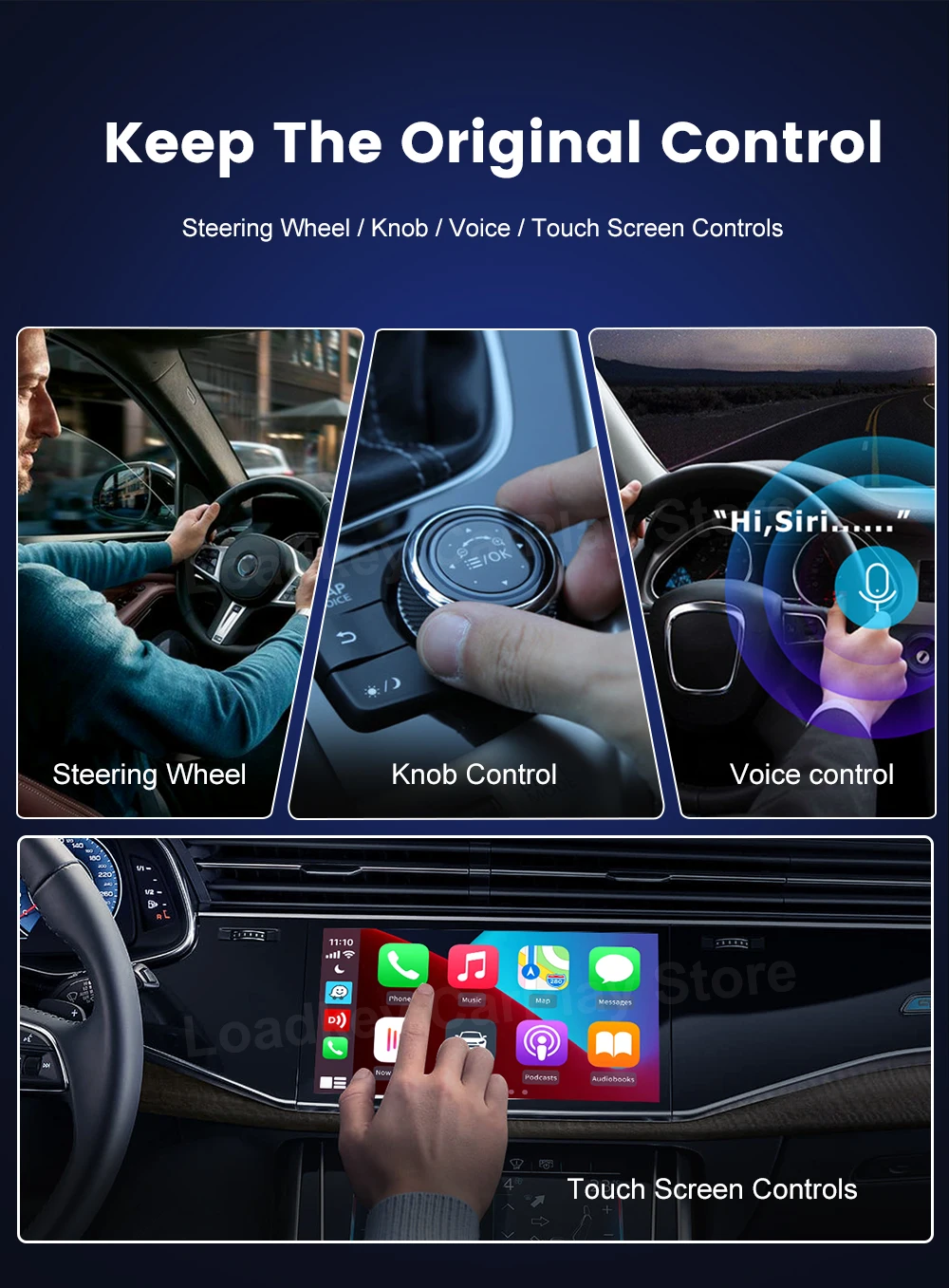
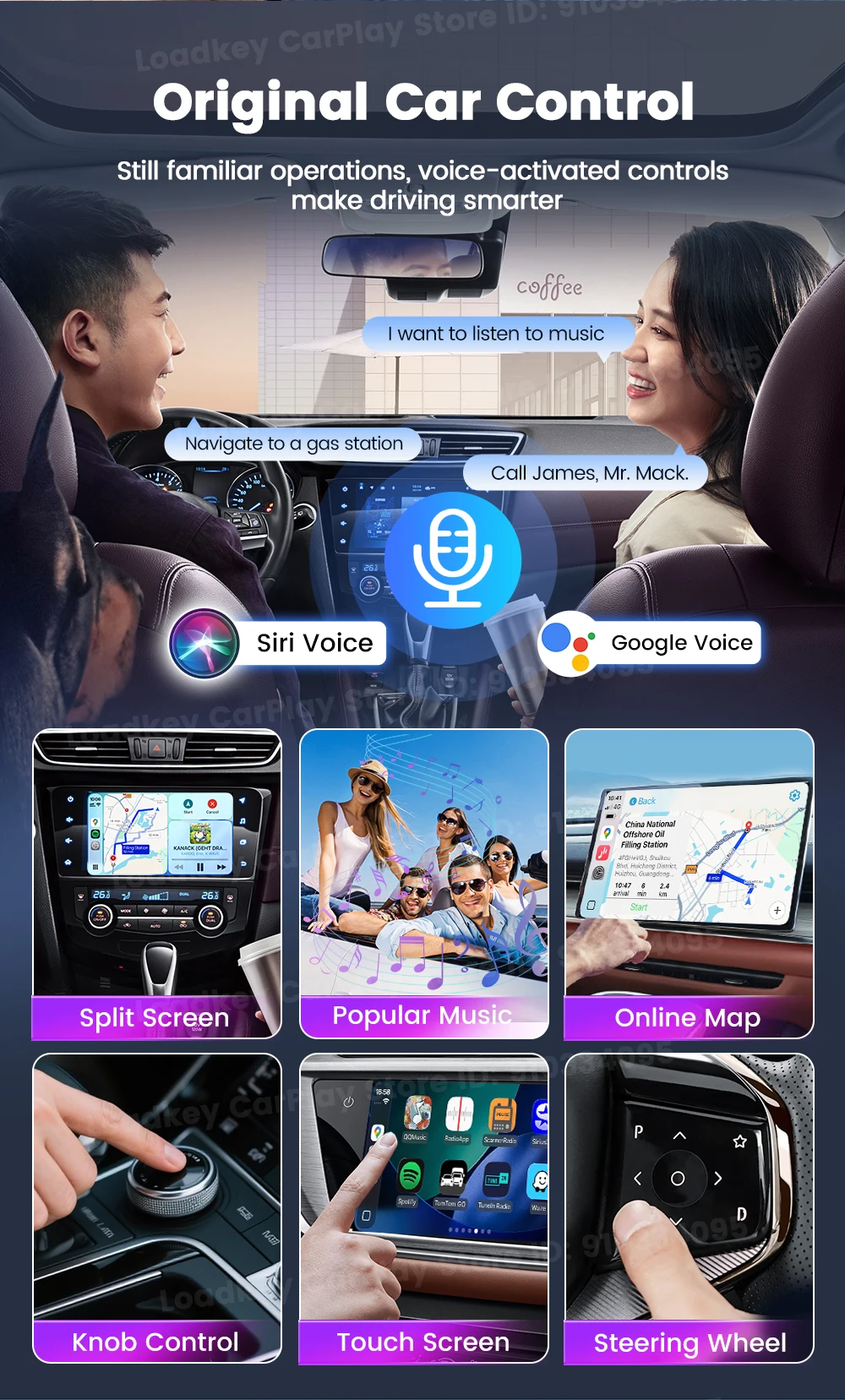
Keep the original contro
voice control mode, touch screen control method, knob control method and steering wheel control method.
2.4GHz & 5.8GHz WiFi
Why need buy CarlinKit 3.0?
Point 1: Compact and Stylish - Smaller than a credit card save space in your car
Point 2: 98% compatibility - Support most of original cars which installed wired CarPlay
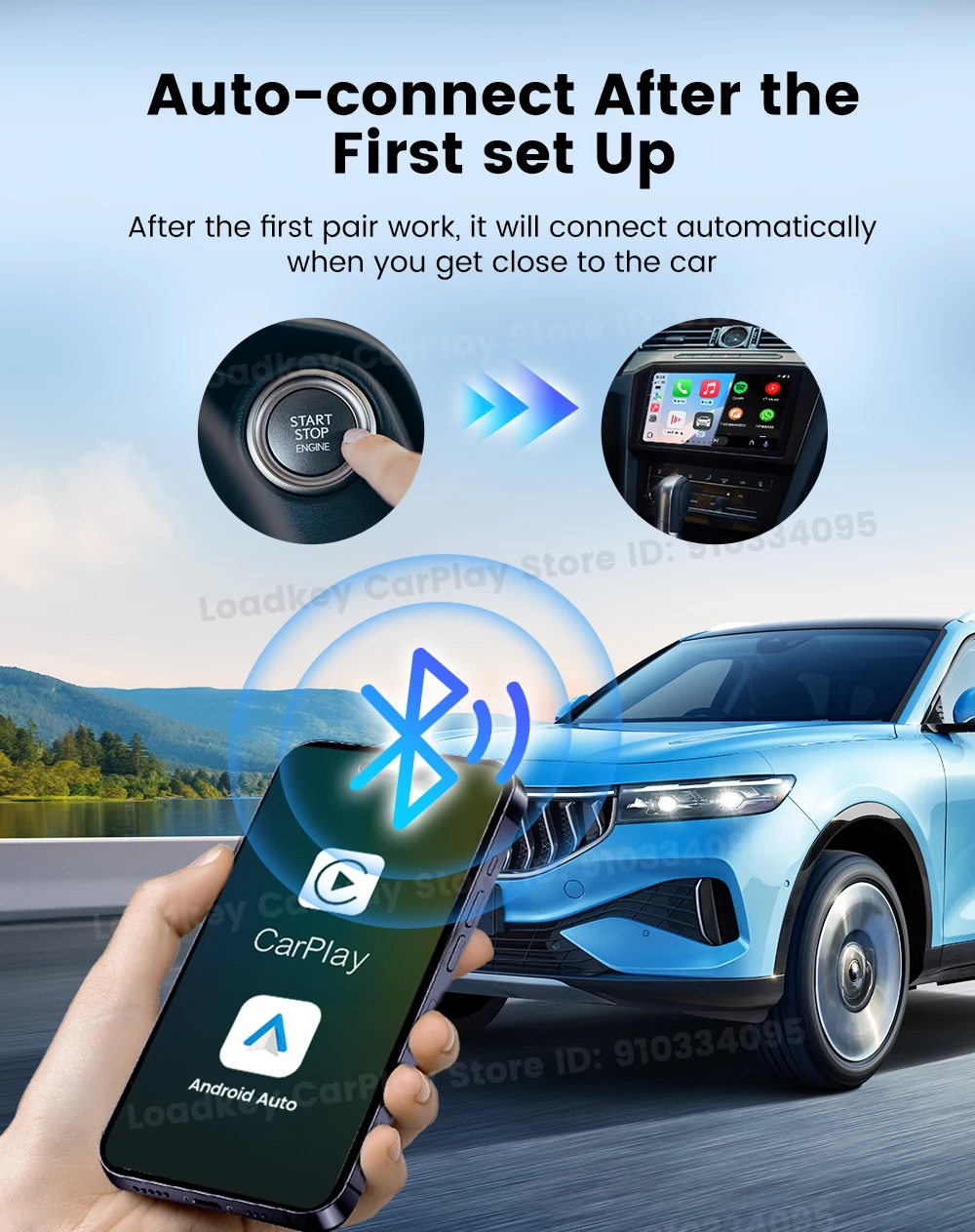
Point 3: Smarter and Convenient - Automatic connection after the first setup

2 Channels Work

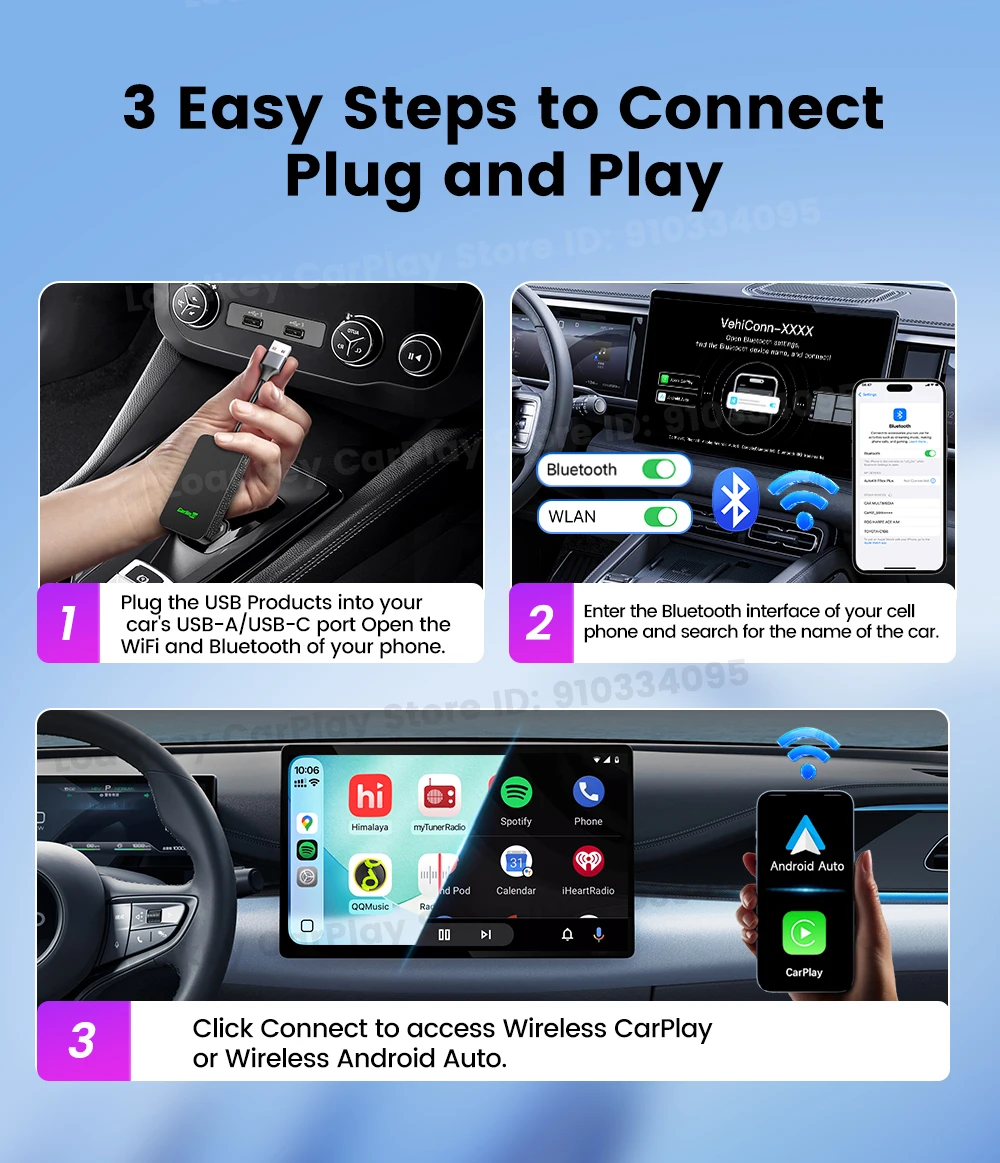
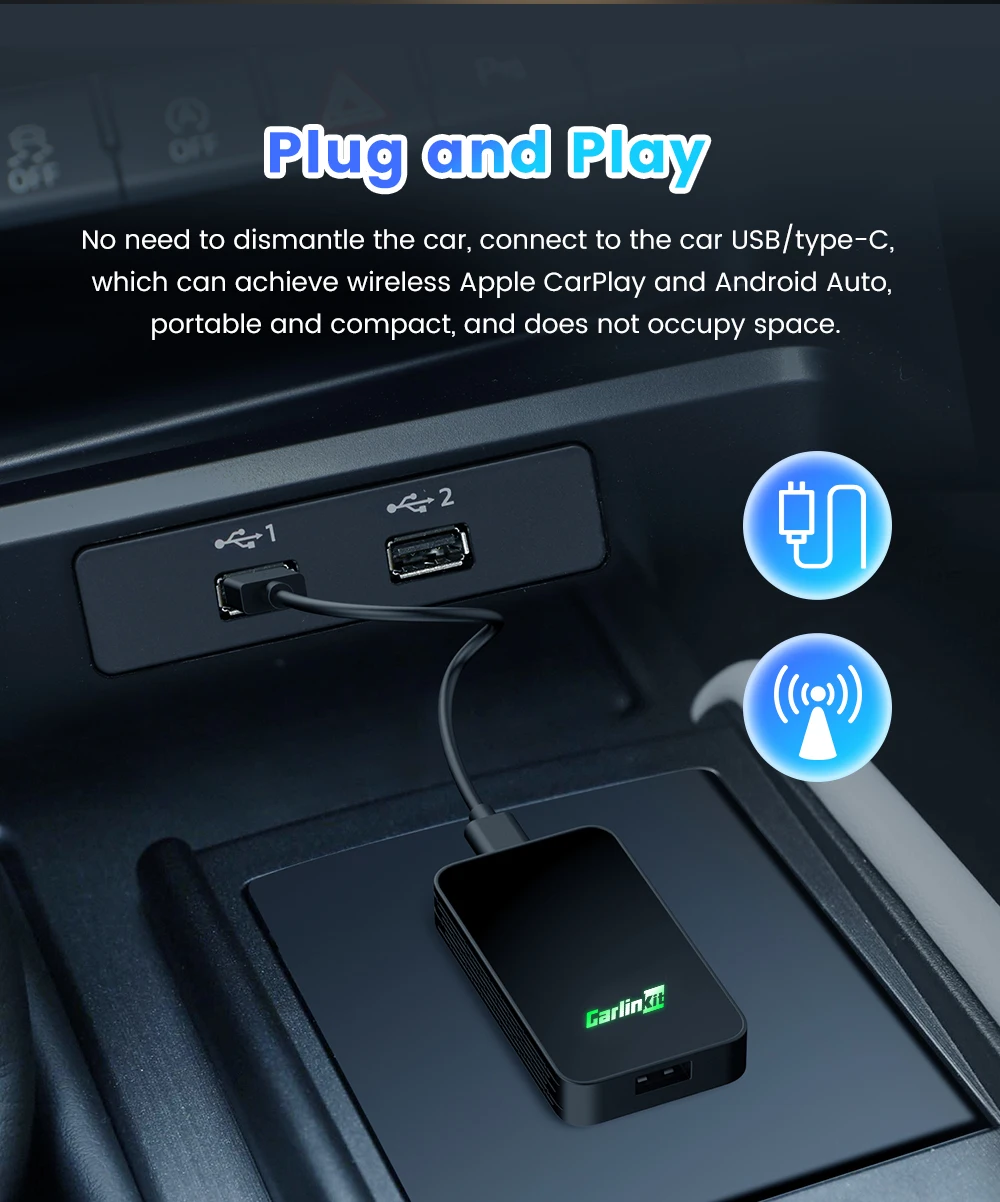
Plug and Play
10S ConnectionInsert the product into the USB port of the car, turn on the WiFi and Bluetooth of the mobile phone ,and pair it.
Google & Siri Voice Assistant Free Your Hands
How to use the 2air adapter?
1.insert the product into the car, Turn on WiFi and Bluetooth, Pair the "Autokit-XXXX"
2.Connect to use wireless Android Auto or wireless CarPlay